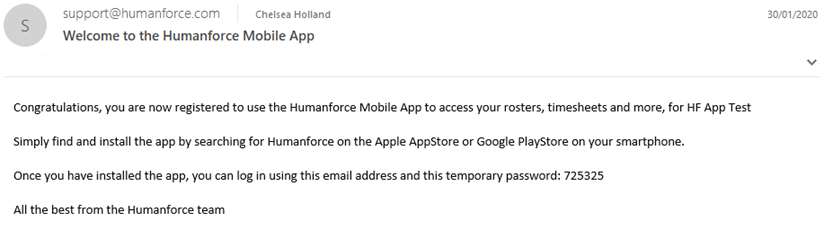
When you are first added to the Humanforce app team, you will receive a welcome email with the initial details to sign in. The email will be sent to your Infinite Care email address.
The email will look something like this:
Before you can login you must first download and install the Humanforce app. This will be available from the App or Play Store depending on your mobile.
Once installed, you should enter your Infinite Care email address where the welcome email was sent as well as the 6-digit temporary password from the email into the password field.
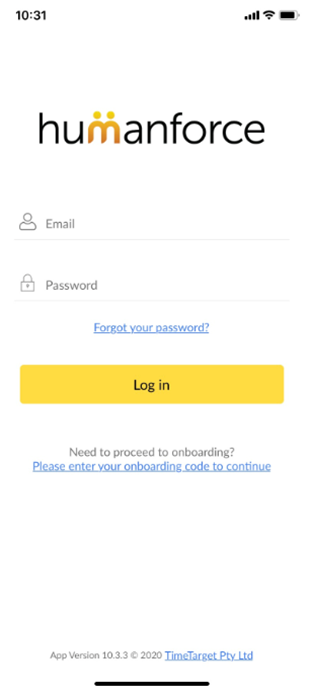
After pressing Log in, you will be asked to create a permanent password.
If the temporary password has expired, click the Forgot your password link to reset your password.